Introduction
Imagine you’re shopping for a new computer. You find two devices that look almost identical, have similar specifications, and even fall within the same price range. The only difference? One is called a laptop, and the other is called a notebook.
Confusing, right?
I’ve been there myself. A few years ago, while searching for a lightweight device for work, I assumed “notebook” was just a fancy marketing term for a laptop. But after comparing different models and using both over time, I discovered that there are some important differences that can affect everything from portability and battery life to performance and overall user experience.
In this guide, I’ll break down the key differences, clear up the confusion, and help you decide which device is the perfect match for your work, studies, or everyday needs.
For design professionals, choosing the right hardware is crucial. Explore our picks for the best laptops for graphic design.
What is a Laptop?
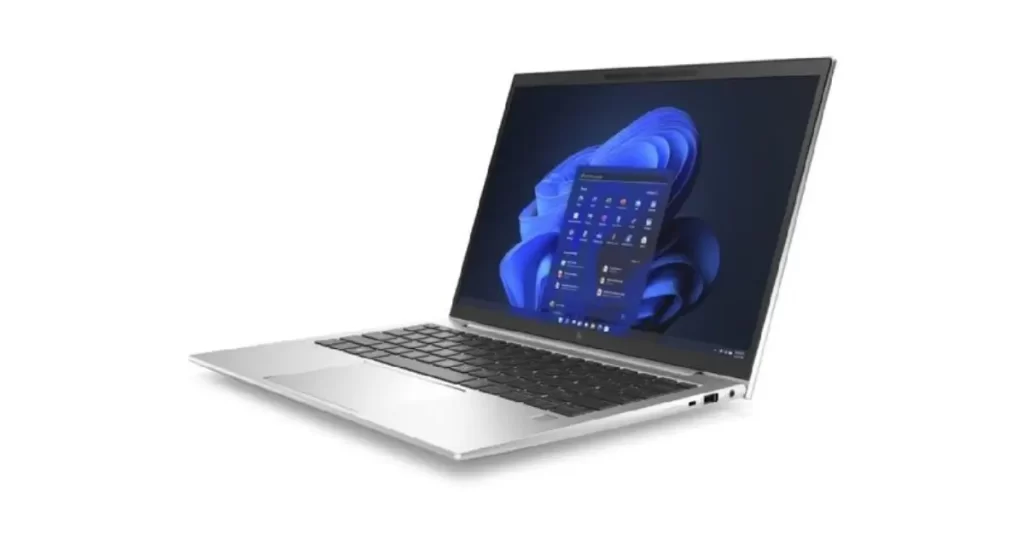
A laptop is a portable computer designed for versatility and power. It’s your go-to device for everything from work to gaming and multimedia editing.
- Common Features:
- Larger screen sizes (13 to 17 inches).
- Powerful processors like Intel Core i7 or AMD Ryzen.
- Higher RAM and storage options.
- Ideal for multitasking, gaming, and creative work.
What is a Notebook?
A notebook is a lighter, more compact alternative to laptops. It’s perfect for basic tasks like browsing, taking notes, and light document editing.
- Common Features:
- Smaller screen sizes (10 to 15 inches).
- Basic processors like Intel Celeron or Pentium.
- Lightweight and easy to carry.
- Ideal for students or casual users.
Notebook vs Laptop: 7 Key Differences
1. Size and Portability
- Laptops: Bulkier but still portable.
- Notebooks: Ultra-lightweight, easy to carry.
2. Performance
- Laptops: High-end processors for intensive tasks.
- Notebooks: Basic processors, suitable for light usage.
3. Battery Life
- Laptops: Shorter battery life due to powerful components.
- Notebooks: Longer battery life, perfect for on-the-go usage.
4. Price Range
- Laptops: Higher price due to better specs.
- Notebooks: Affordable options for budget-conscious users.
5. Design and Build Quality
- Laptops: Durable but heavier designs.
- Notebooks: Sleek and minimalist.
6. User Purpose
- Laptops: Gaming, professional tasks, multimedia editing.
- Notebooks: Browsing, note-taking, and basic office work.
7. Future Trends
- Laptops: AI-powered features and gaming enhancements.
- Notebooks: Innovations in portability and battery efficiency.
Notebook vs Laptop: A Quick Comparison
Here’s a table summarizing the similarities and differences between notebooks and laptops:
| Feature | Laptop | Notebook |
|---|---|---|
| Size and Portability | Typically larger and heavier | Compact and lightweight |
| Usage | General-purpose computing | Portable and designed for on-the-go use |
| Performance | Higher-end configurations are available | Mid-range performance |
| Battery Life | Varied, can range from short to long | Generally designed for longer battery life |
| Features | May include optical drives, more ports | Limited ports, no optical drive |
| Price | Wider price range, including high-end models | Generally more affordable |
| Design | Can have a thicker and bulkier design | Sleek and slim design |
| Usage Environment | Suitable for both home and office use | Ideal for mobile professionals and students |
| Upgradability | Some models allow for upgrades | Limited upgradability |
| Typical Use Cases | Gaming, heavy-duty tasks, multimedia editing | Business tasks, web browsing, light computing |
When I first switched from a traditional laptop to a notebook, the difference was immediately noticeable. My backpack felt lighter, the battery lasted longer, and carrying the device around became much easier. However, I also noticed that some of the heavier tasks I regularly performed weren’t quite as smooth.
That experience taught me an important lesson: the best device isn’t always the most powerful one. It’s the one that fits the way you actually work. For some people, a lightweight notebook is all they’ll ever need. For others, a laptop’s extra performance is worth the added size and weight.
If reliability is a concern, you may also want to learn about the most common ASUS and Acer laptop issues before making your purchase decision.
Conclusion
At the end of the day, the laptop vs notebook debate isn’t really about which device is better it’s about which one is better for you.
If your day revolves around emails, web browsing, online classes, and working on the go, a notebook could be the perfect travel companion. But if you’re editing videos, running demanding software, gaming, or juggling multiple tasks at once, a laptop will likely be worth the extra power.
The next time you see the terms “laptop” and “notebook,” you won’t just know the difference you’ll know exactly which one deserves a place in your bag.
Users who need powerful graphics and faster processors may be interested in these best gaming laptops under $1500.
FAQs
-
What is the main difference between a notebook and a laptop?
Laptops are more powerful, while notebooks are lightweight and portable.
-
Can a notebook replace a laptop?
It depends. For light tasks, yes. For gaming or heavy multitasking, no.
-
Are notebooks good for gaming?
No, notebooks lack the processing power needed for gaming.